✦ New course from Bulb Digital · $99 · Lifetime access

You're paying for Copilot.
You're not really using it.

This 2-hour course gives you the system to change that, permanently. Four modules, one repeatable routine, and 12 months of live coaching with the people who built it.

Lifetime Access for $99
★★★★★ "Working my way through the Copilot Pro Pack. It's kind of mind blowing. I'm anxious to get to the final 2 lessons to see how it can all come together." — Copilot Foundations Student, Corporate Project Manager
★★★★★ "It's delivered on the title - a foundation for working in Copilot." — Copilot Foundations Student
★★★★★ "Eye-opening and confidence building. THIS is what I have needed." — Bryan L., Marketing Manager, 365 Foundations
★★★★★ "A great overview of how all the M365 apps work together." — John Martin, Corporate PM, Lutheran Life Villages, 365 Foundations
★★★★★ "Way better than I imagined — empowered instead of trapped." — Kimberly R., 365 Foundations
★★★★★ "A great kickstart to learning the Microsoft ecosystem." — Sean Smith, 365 Foundations
★★★★★ "Loving the course! The best place to look at this whole ecosystem holistically." — Foundations Student, 365 Foundations

* Early feedback on Copilot Pro Pack, plus what students say about our other courses

Sound familiar?

You have the license.
You just don't have a routine.

You got access months ago.

And Copilot still isn't part of how you work. You keep meaning to explore it. You haven't.

You've tried a few prompts.

They felt clunky. The results felt random. You weren't sure if you were doing it wrong or if Copilot just isn't that useful.

You tab past the Copilot button. Every time.

In Teams, Outlook, Word: it's right there. But nobody's shown you exactly how it fits, so you just do it manually.

You're starting to wonder if it ever will click.

And in the back of your mind, you know you're paying for a tool you barely use.

35%
Only 35% of people with a Copilot license use it in their daily work. You're not behind, you just never got a system. That's what this course is.
Source: Microsoft Work Trend Index
The fix

Two hours. A system.
The habit that finally sticks.

This course is for you if...
You have a Microsoft 365 Copilot license and you feel like you're not getting your money's worth out of it.
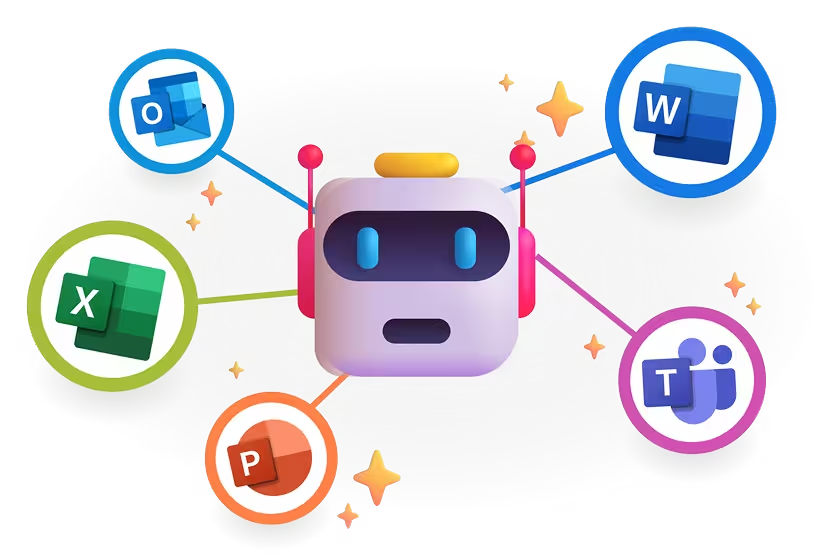
You use Teams, Outlook, Word, or Excel daily. This course is built around the exact apps already open on your screen.
You want to build a habit, not just finish a course. The goal isn't a completion certificate. It's Copilot becoming part of how you work.
This is NOT for you if...

You're looking for advanced developer features, Power Automate flows, or Copilot Studio. This course is for everyday professionals building a daily workflow, not IT admins or developers.

‍What You'll Learn

Four modules, each building on the last.

Module 1
35 min
The Copilot Mindset
Simple prompts that actually work without any jargon or guessing.
After this module: You'll write prompts that get real results.
Module 2
25 min
The Copilot App
Chat, Pages, Agents, and Create made simple.
After this module: You'll know exactly which feature to reach for.
Module 3
30 min
Copilot in M365 Apps
Practical uses in every app you already rely on: Teams, Outlook, Word, Excel, and PowerPoint.
After this module: You'll know exactly which feature to reach for.
Module 4
35 min
Putting it All Together
Turn everything into a daily routine you'll actually keep.
After this module: Copilot is a habit, not an experiment.

Lifetime Access for $99

Real people.
Real results.

What Bulb Digital students say:
StarStarStarStarStar
Working my way through the Copilot Pro Pack. It's kind of mind blowing. I'm anxious to get to the final 2 lessons to see how it can all come together.
Copilot Foundations Student
Corporate Project Manager
StarStarStarStarStar
It's delivered on the title - a foundation for working in Copilot.
Copilot Foundations Student
Meet Your TeacherS

Mitch & Matt

Mitch & Matt are 2 of the 3 founders of Bulb Digital and the brains behind the Copilot Pro Pack. They both have been working hands-on with Microsoft 365 and Copilot since day one and testing new features early, helping shape product feedback, and seeing firsthand how people use these tools at work.

They kept watching the same thing happen repeatedly: people get access to Copilot, try it a few times, and then aren't sure how it fits into their real work. The goal of this course is to show you practical, repeatable ways to use Copilot across the tools you aleady rely on, so it sticks.

Coaching Value
$399
included free
Included with every seat

Live Monthly Group Coaching For a Full Year 🎉

Every student gets 12 months of live group sessions with Mitch and Matt. Ask questions, get unstuck, and see how other teams apply the Foundations framework in the real world. It's part of what makes this course different.

Grab Your Bonus
Get Started Today

One-time payment. Lifetime access.

Most Popular

Individual Seat

$99
One-Time Payment
  • All 4 modules (2 hrs video)
  • Copilot Prompt Library PDF
  • Student chat room access
  • Lifetime access + future updates
12 months live coaching included
$399 value - free

Team Seats

Up to 25% off
Volume discounts from 3 seats
  • 3–19 seats → 15% off
  • 20–49 seats → 25% off
  • 50+ seats → Custom pricing
  • Coaching bonus applies to all seats

Prefer a Subscription?

Get our video course as a subscription for your organization. Give your team the training they need—whenever they need it.

Contact Us
Starting at $2k/month. Minimum 1 Year Commitment Required
Better together
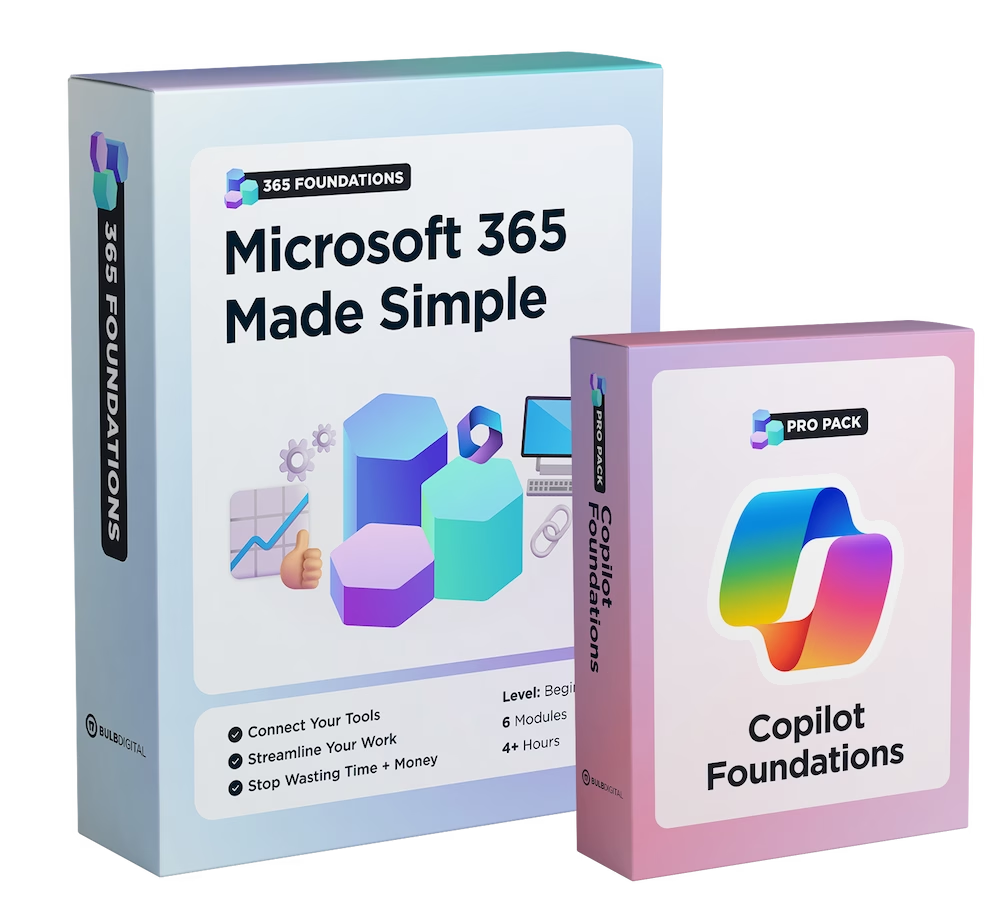
Get both courses for $198
Save $49
365 Foundations gives you the M365 framework. Copilot Pro Pack builds on it.
Your questions answered

Everything you need to know

Who is this course for?
Plus sign icon
Can I share this course with my team?
Plus sign icon
Is this a self-paced course?
Plus sign icon
Will the content be updated over time?
Plus sign icon
How much content is included?
Plus sign icon
Do I need a certain level of Copilot license to use this course?
Plus sign icon
What aspects of Copilot does the Pro Pack cover?
Plus sign icon
What aspects of Copilot does the Pro Pack NOT cover?
Plus sign icon
What kind of support do I get if I have questions?
Plus sign icon
How long will I have access to the course?
Plus sign icon
Will there be a more advanced Copilot Pro Pack in the future?
Plus sign icon