Copilot Studio vs. AI Builder: Picking the Right Tool for the Job

AI Builder and Copilot Studio have a lot of overlap. If you're looking into incorporating AI into your Power Platform work, you're probably trying to figure out when you should use what. Today we're breaking down where each tool shines, where they overlap, and how to know which one is the right fit before you start building.
What happens when structured AI meets conversational intelligence in the Power Platform?
AI capabilities are not new to the Power Platform. Believe it or not, the Power Platform has had a variety of AI capabilities since around 2019. And now, Microsoft is making so much noise about Copilot. New capabilities for Cowork, Agents, and Workflow are making waves every week. What do we make of all of this? You're probably hearing about Copilot Studio, but you're already familiar with the AI Builder Hub, and you're wondering how solutions built with both will come together.
As organizations look to infuse intelligence into their apps and workflows, understanding how these tools fit together is essential. In this post we want to talk about how AI Builder and Copilot Studio each bring unique strengths to the Power Platform, and they can be used together to enable makers to deliver smarter, more autonomous solutions.
Power Platform AI Refresher (AI Builder Overview)
Power Apps has been able to do AI things for a while now. If you have a "premium" license, you have the ability to use AI Builder and leverage AI Models and Prompts to create more discrete processing operations. AI model capabilities include:
- Form Processing (extracting data from invoices, receipts, and contracts)
- Object Detection (identifying items in images for inventory or quality control)
- Sentiment Analysis (gauging emotional tone from customer feedback or reviews)
- Text Recognition/OCR (pulling text from images and PDFs)
- Prediction models (forecasting outcomes from historical data)
- Category Classification (organizing and routing text-based content).
Beyond pre-built models, AI Builder also allowed organizations to train custom AI models using their own data in order to apply AI Builder capabilities to customer specific scenarios.
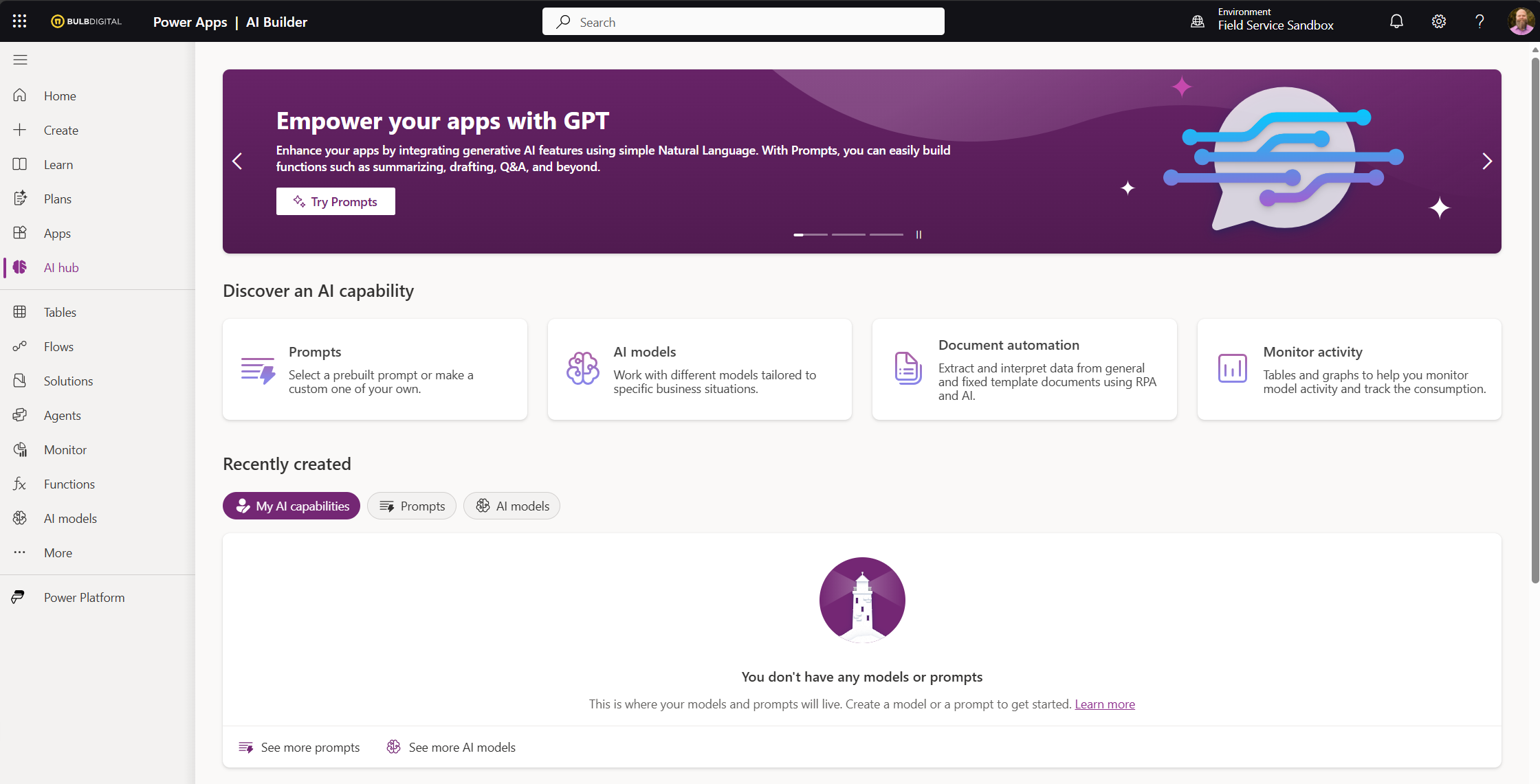
AI Models are most directly constructed within the AI Builder Hub in Power Apps. Once you've created a model, you can then add it to your Power Platform solution and it can be used by Power Apps and Power Automate flows in the same environment.
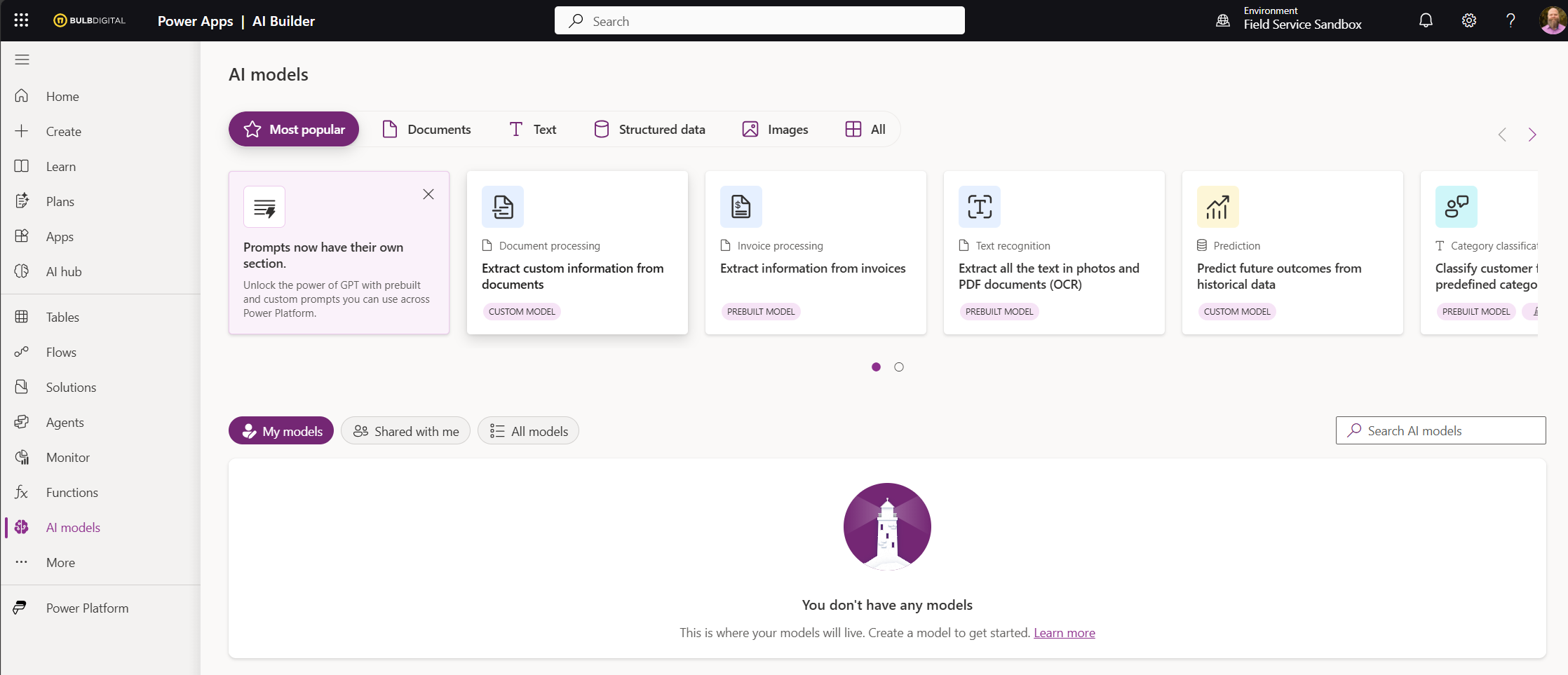
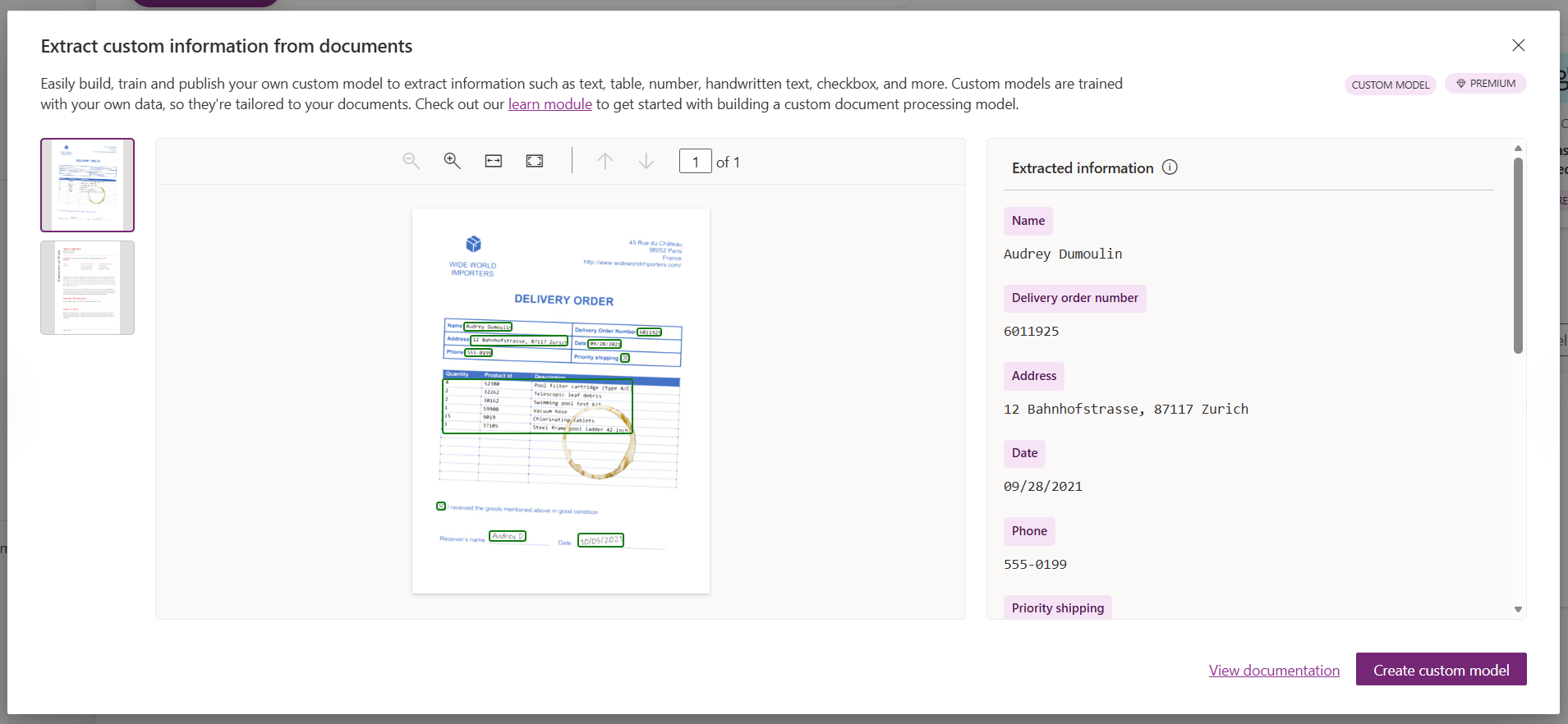
AI Builder has long been a part of the Power Platform solutions landscape and if your team is building apps and workflows in the Power Platform these are all incorporated seamlessly into the same solutions they're managing for apps and flows.
SELF ASSESSMENT
Is your business getting full value from your M365 subscription?
Billions of dollars are wasted each year on underused subscriptions. Take 3 minutes to find out where your tools are driving results, and where they’re holding you back.
Find Out Now


Is Team Communication Holding You Back?
Find Out in Just 2 Minutes.
Take our quick scorecard to uncover communication gaps and hidden barriers within your team.
So what does Copilot Studio bring to the table? (Copilot Studio Overview)
These days, the hot new thing is Copilot. The word "Copilot" can mean many different things within the Microsoft 365 ecosystem. There's Copilot chat, Copilot Agents, Teams Facilitator Agent, Copilot in SharePoint, Researcher, Analyst, Create, etc. On the low code development side, you can use Copilot Studio to create your own custom agents and workflows.
Microsoft Copilot Studio is a low-code, cloud-based platform for designing, testing, and deploying AI-powered agents tailored to your organization's specific needs. The capabilities enabled by agents created with Copilot Studio are not the same as the rule-based, structured,, and deterministic content processing capabilities that you can create in the AI Builder Hub. Copilot Studio leverages large language models from Azure OpenAI to create agents that can hold natural conversations, reason over complex information, and adapt dynamically to user intent.
It is true that you can extract content from documents using a Copilot Studio Prompt, but if you need to retrieve structured data at scale from documents in a reliable way, AI Builder is still the better tool. The Prompt feature of Copilot Studio will provide flexible interpretation and conversational use, but lacks deterministic extraction ability.
So, when you're wrapping your head around this difference, think... instead of feeding the machine with documents and images, processing content, and spitting out data... feed the machine with content so that a user can interrogate it with the assistance of the agent.
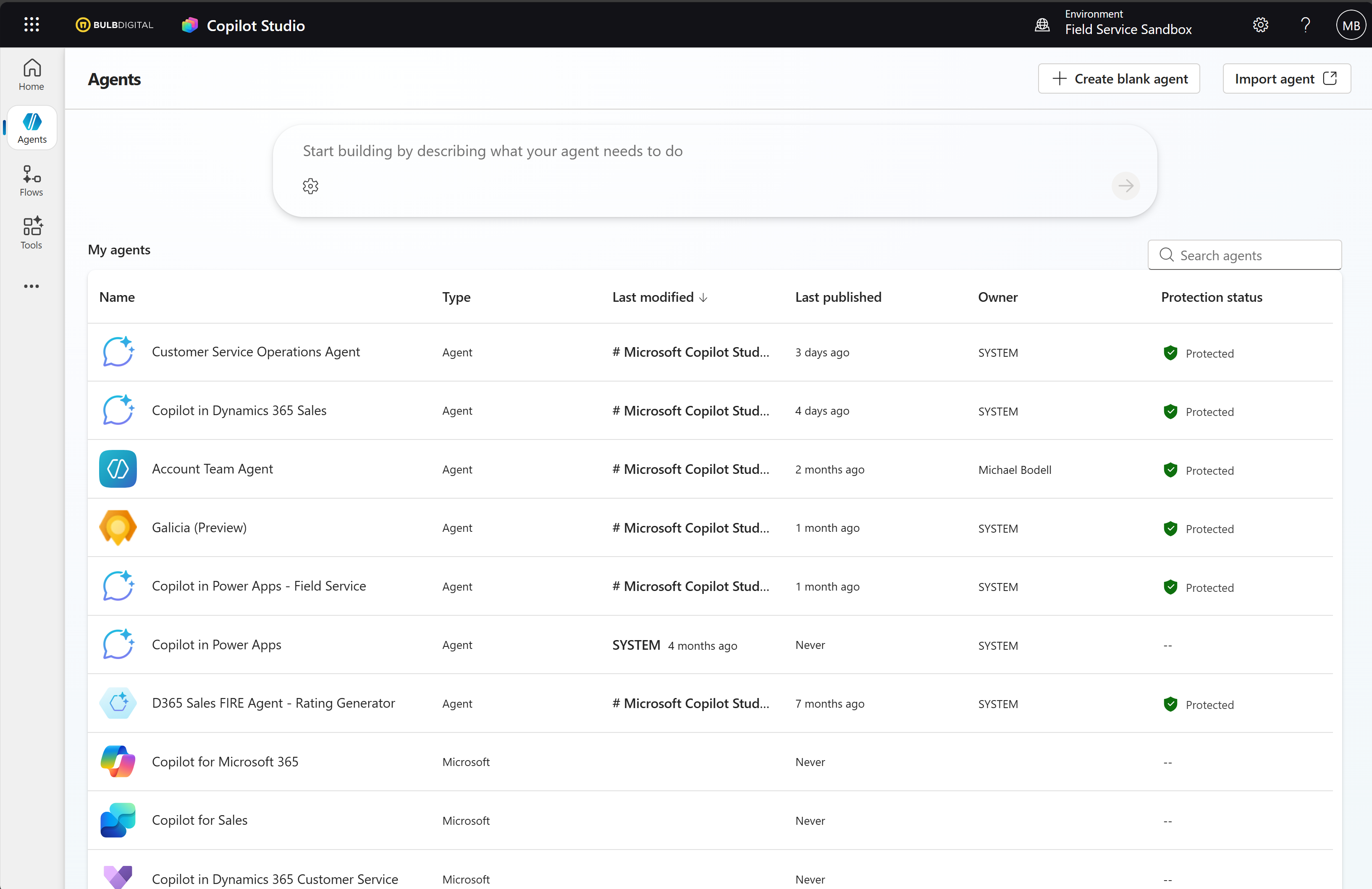
These autonomous agents can be triggered by events — such as a new email arriving, a record changing in Dataverse, or a scheduled condition being met — and can then chain together multi-step actions to complete long-running business processes entirely on their own. Agents can be published across a variety of channels including Microsoft Teams, SharePoint, Power Pages, and Microsoft 365 Copilot, giving organizations broad reach across both internal and external audiences.
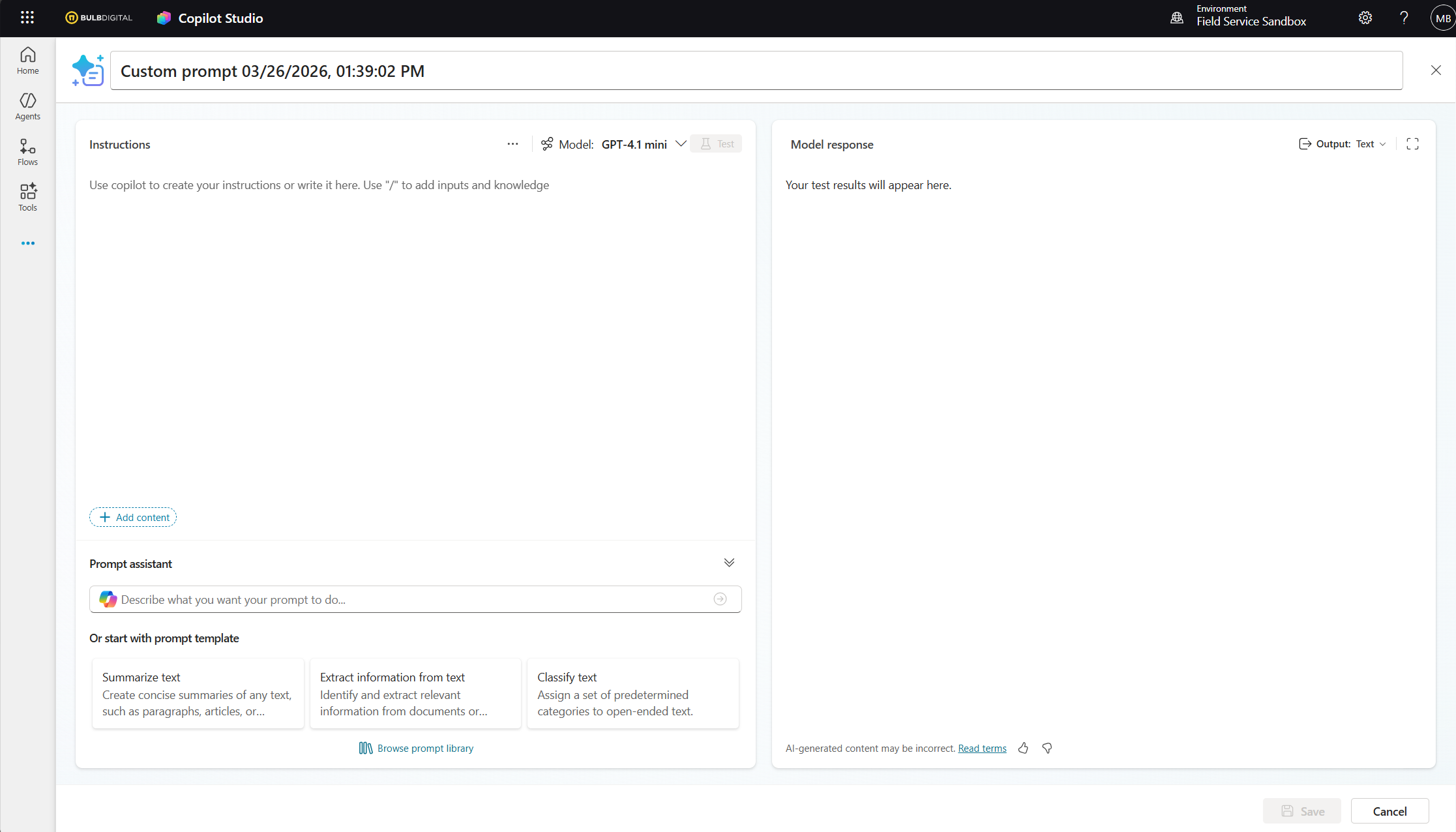
The big shift with Copilot Studio is toward end-to-end intelligent experiences orchestrated through conversational AI and generative reasoning. Instead of calling a single AI model as a step in a flow or app, agents created in Copilot Studio can understand intent, select the right actions from a library of capabilities, and assemble those actions dynamically based on context. This effectively reduces the burden on makers to "wire" the agent for all possible scenarios. Yes, you can have structured, topic based conversations and decisions, just like Power Virtual Agents, but now, the hope is that agents can reason out the scenarios that don't fit the structure and apply the right next step.
Ok, I get it now; I might need both of these in my solution. How do these come together?
You're right; Copilot Studio doesn't eliminate AI Builder — it extends it. Within a Copilot Studio agent or an agent flow, you can still call AI Builder models as actions, allowing agents to invoke capabilities like custom prompts, document processing, sentiment analysis, or prediction models as discrete steps within a larger intelligent workflow.
Beyond AI Builder, Copilot Studio agents can trigger and interact with Power Automate flows — either initiating flows as part of a conversation or being triggered by flows mid-process for approvals, clarifications, or data collection. Agents can also read from and write to Dataverse, connect to SharePoint and other M365 knowledge sources, and even connect to external systems via APIs and custom connectors created in the Power Platform.
This means AI Builder remains a valuable precision tool for structured document and data intelligence, while Copilot Studio serves as the orchestration layer that ties it — and the rest of the Power Platform — together into cohesive, intelligent, and increasingly autonomous solutions.
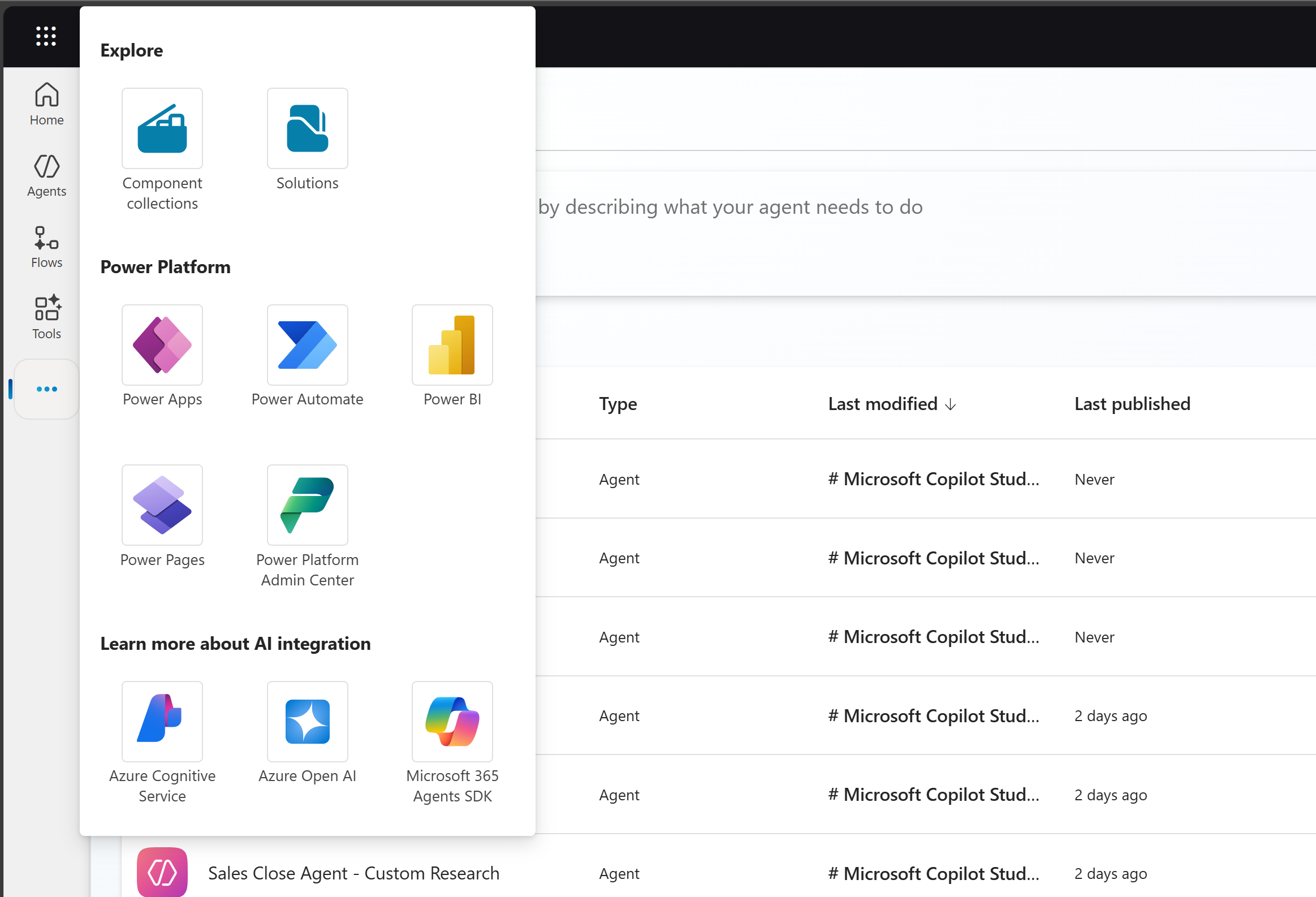
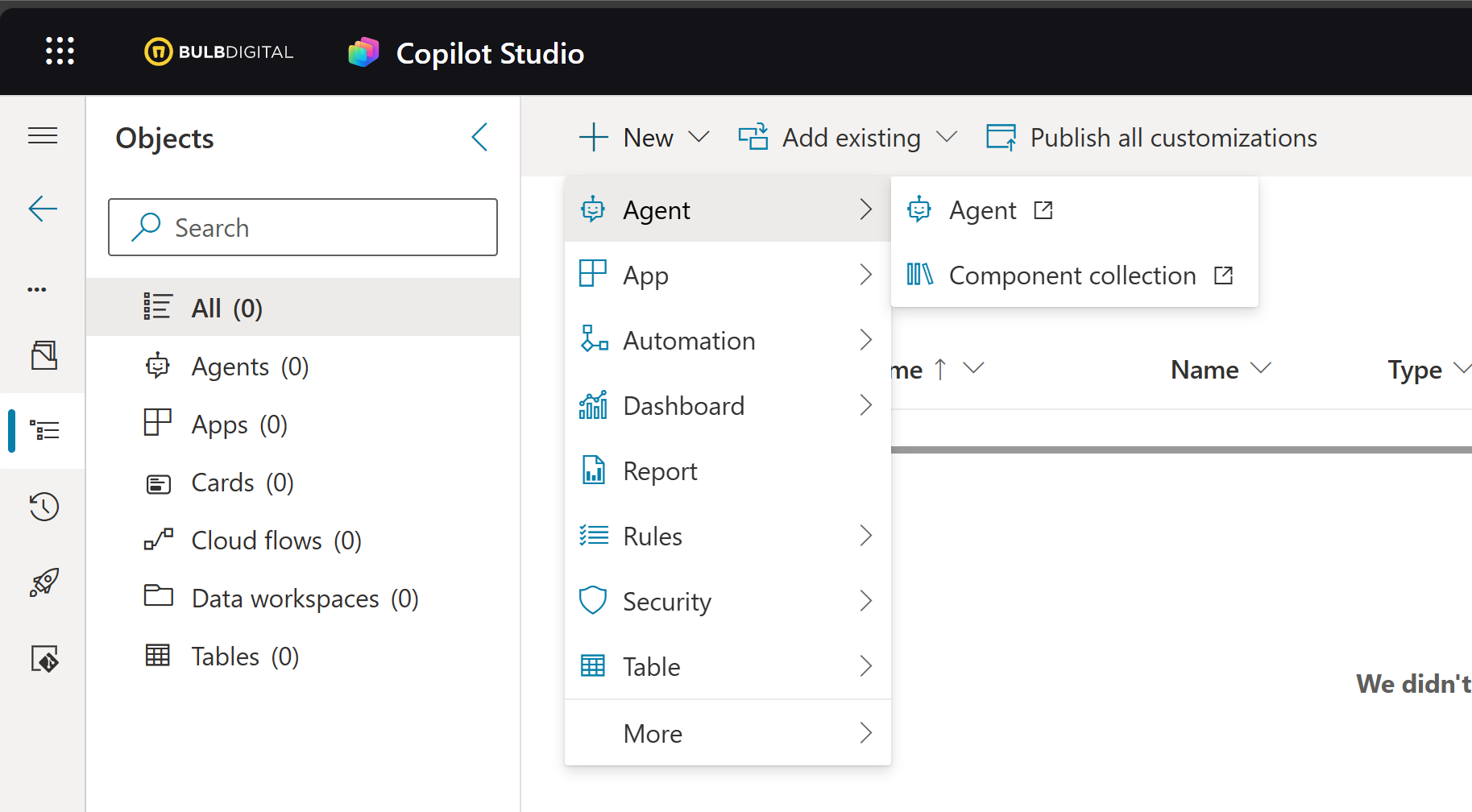
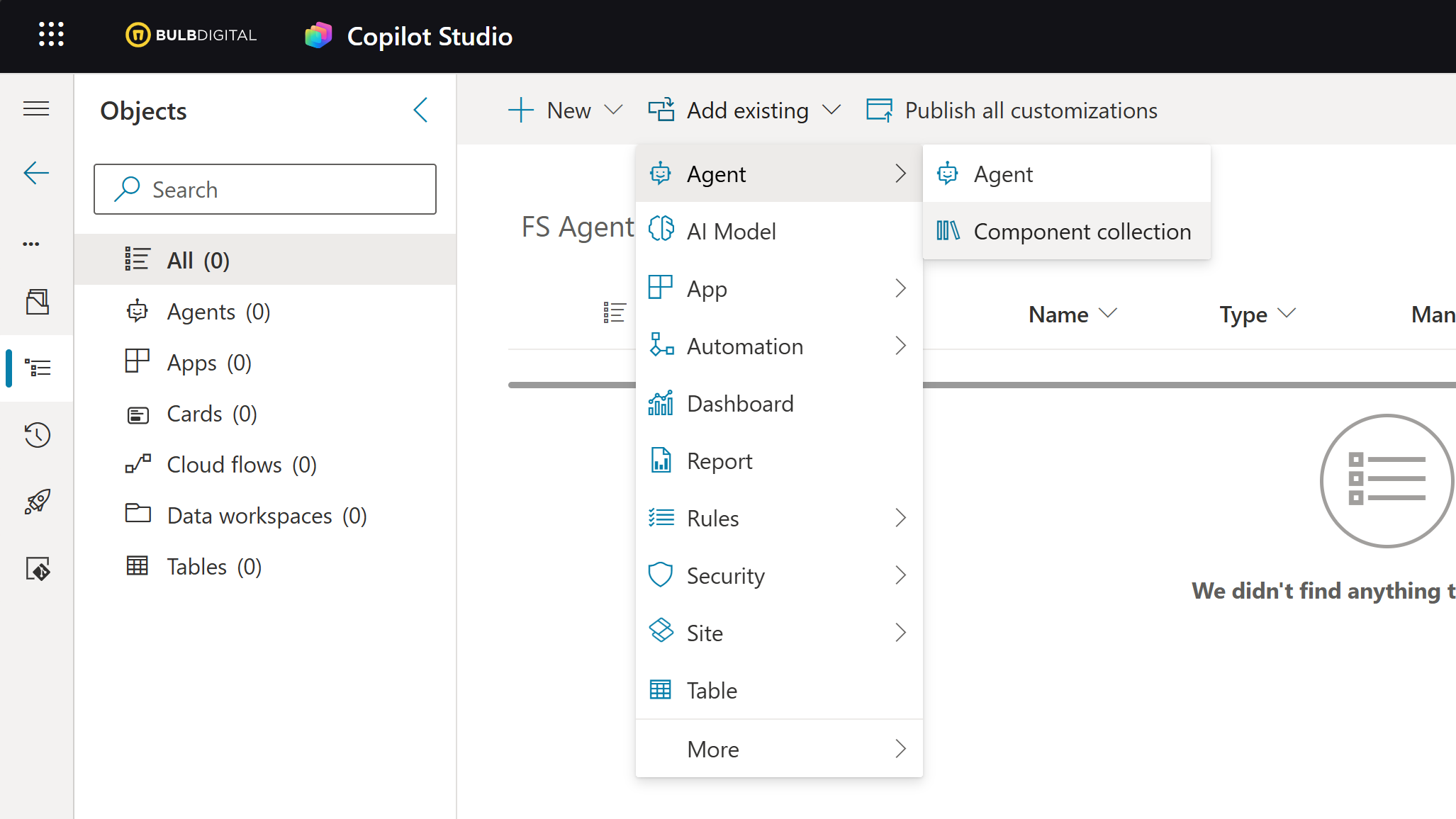
And if you're wondering how to tactically bring these things together in a real solution, Copilot Studio artifacts can be solution aware. There is a Solutions page you can access through Copilot Studio, create new solutions, or access any of your existing solutions, adding Copilot Studio components as needed so they can be deployed along with the rest of your solutions using your preferred deployment process.
Now you've crossed the threshold. These are not free.
The Microsoft world is quickly changing and keeping track of how we pay for these things and what licenses are needed for what purpose, can be overwhelming. And because it's changing all the time we're going to keep this short and sweet. Here's what you need to know today.
AI Builder (Developer): Building with AI Builder requires an environment with Copilot Credits provisioned at the tenant level. AI Builder credits are being phased out (in 2026), and Copilot Credits are now the required currency for all AI Builder consumption.
Copilot Studio (Developer): Building agents in Copilot Studio requires the tenant to have a Copilot Credit subscription in place. Individual makers are then granted authoring access by an admin at no additional per-user cost. Developers with a Microsoft 365 Copilot license are also covered.
End Users: End users do not need a Copilot Studio license to interact with a deployed agent. Users with a Microsoft 365 Copilot license are not charged credits for interactions within M365 apps (Teams, SharePoint, Copilot Chat). All other users — internal or external — consume the tenant's Copilot Credit capacity. End users of Power Apps that include AI Builder components require a Power Apps per-user or per-app license. Use of AI Models for things like text extraction and document processing will also now consume the tenant's Copilot Credit capacity.
Copilot Credits & Billing: Copilot Credits are the single consumption currency for both AI Builder and Copilot Studio. Organizations can acquire them via:
- Prepaid packs — $200/month for 25,000 credits
- Pay-as-you-go — $0.01/credit billed through Azure with no commitment
- Annual pre-purchase — discounted rate with a yearly commitment
Conclusion
At first glance, Copilot Studio and AI Builder can feel like competing products because they both bring AI capabilities into the Power Platform. In reality, they're complementary tools with some overlap that solve fundamentally different problems. Copilot Studio is the multi-tool. It's flexible, adaptable, and great when you know the outcome you're trying to achieve, but the path to get there might vary. AI Builder is the trusty screwdriver. When you need a specific, repeatable task done reliably and consistently at scale, it's usually the better choice.
So where do you go from here? Start by understanding the outcome you're trying to achieve. Is this a structured process that needs to happen repeatedly with little variation? AI Builder is probably the right place to start. Is it a more dynamic process where the inputs can vary, exceptions are common, and the solution might need the ability to reason next steps based on context? That's where Copilot Studio shines.
And remember, the answer doesn't always have to be one or the other. Some solutions may benefit from utilizing the strengths of both.